Native macOS & Windows
A native desktop app with GPU compute kernels and hardware ray tracing — tuned for Apple Silicon on Mac and modern ray-tracing GPUs on Windows.
 Genie Render
Features
Genie Render is a GPU path tracing engine with hardware ray tracing, physically based materials, HDRI lighting and a Blender-/KeyShot-style workflow — running natively on macOS and Windows, no plug-ins required.
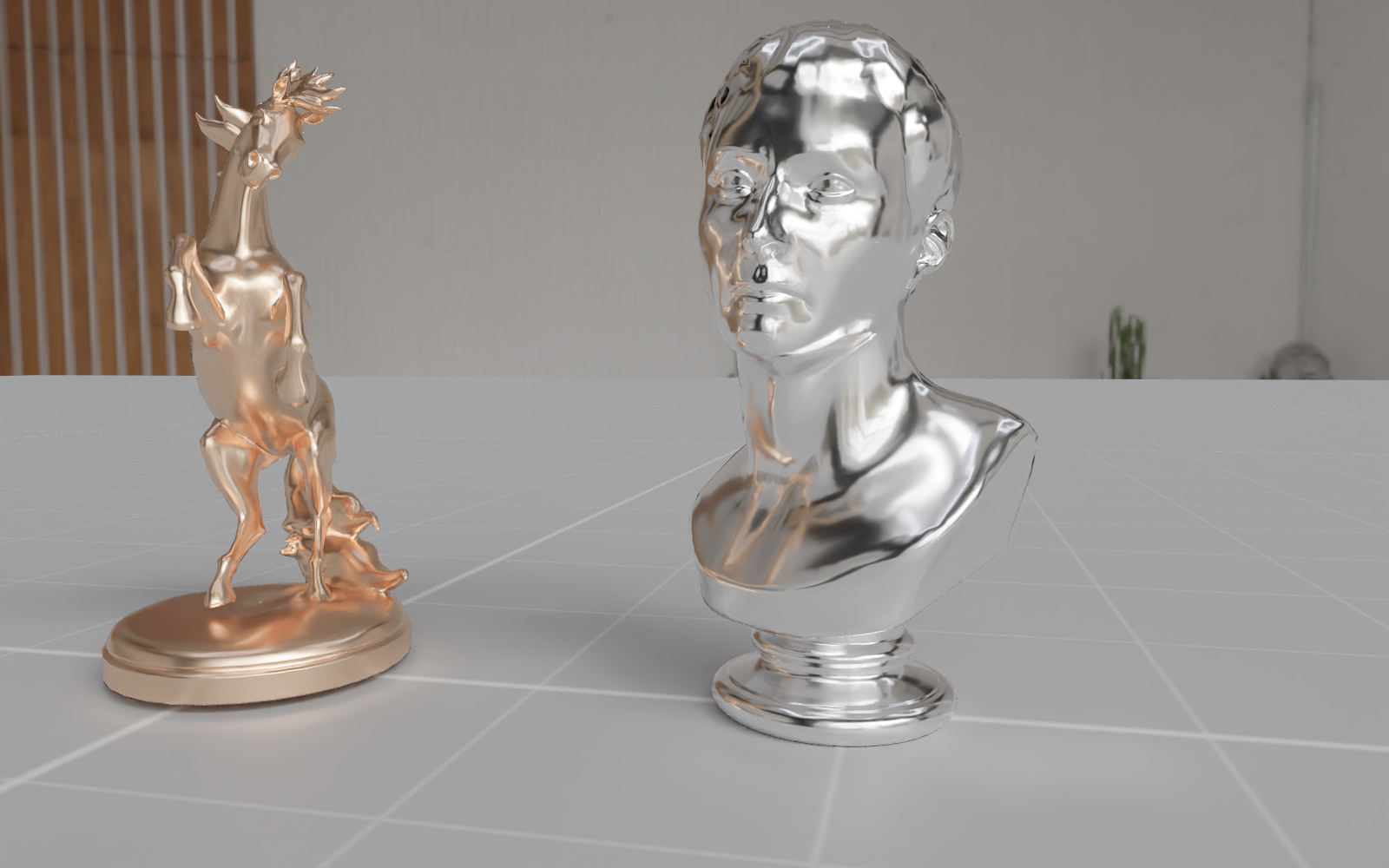
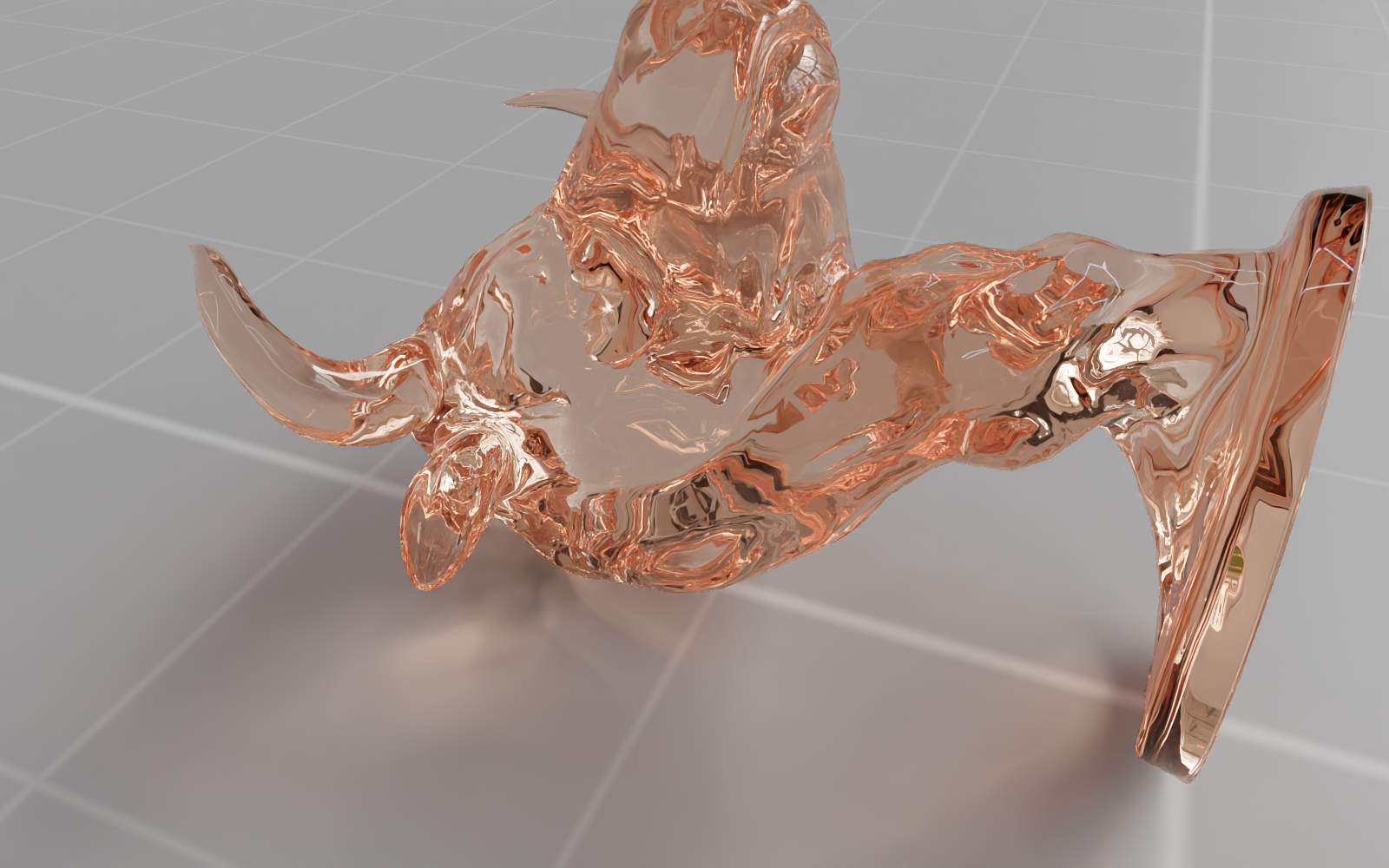
Wavefront GPU path tracer
The renderer is a streaming wavefront pipeline that keeps the GPU saturated: ray generation, intersection and shading run as separate compute stages with dead paths compacted out each bounce. It uses the GPU's hardware ray-tracing acceleration structures — no software BVH.
Materials & shader nodes
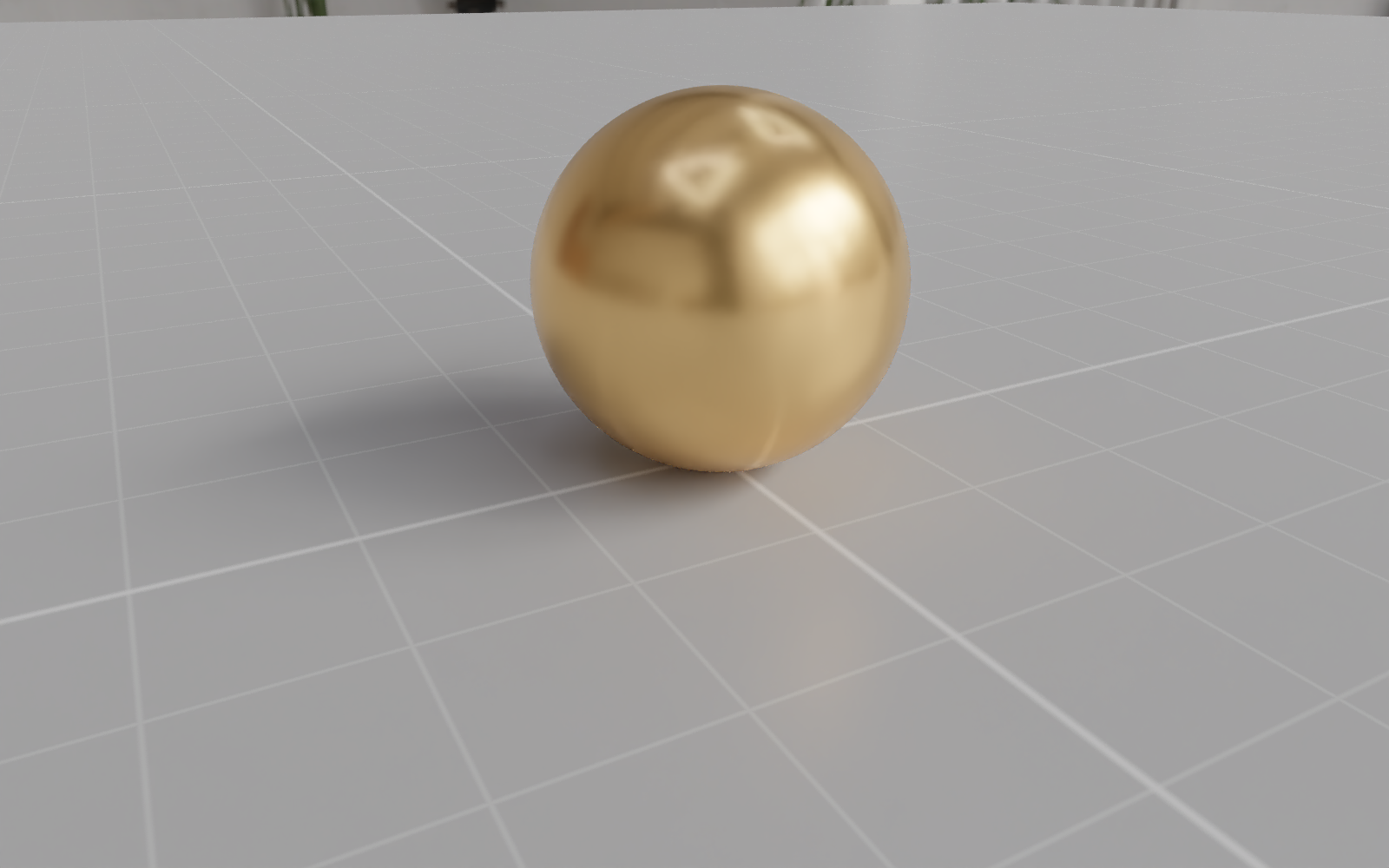
Author materials with the complete Disney/Principled model and a named material library, or drop into the Blender-style Shader Editor to wire textures and procedurals by hand. Everything updates live in the viewport.
Lighting & HDR Light Studio
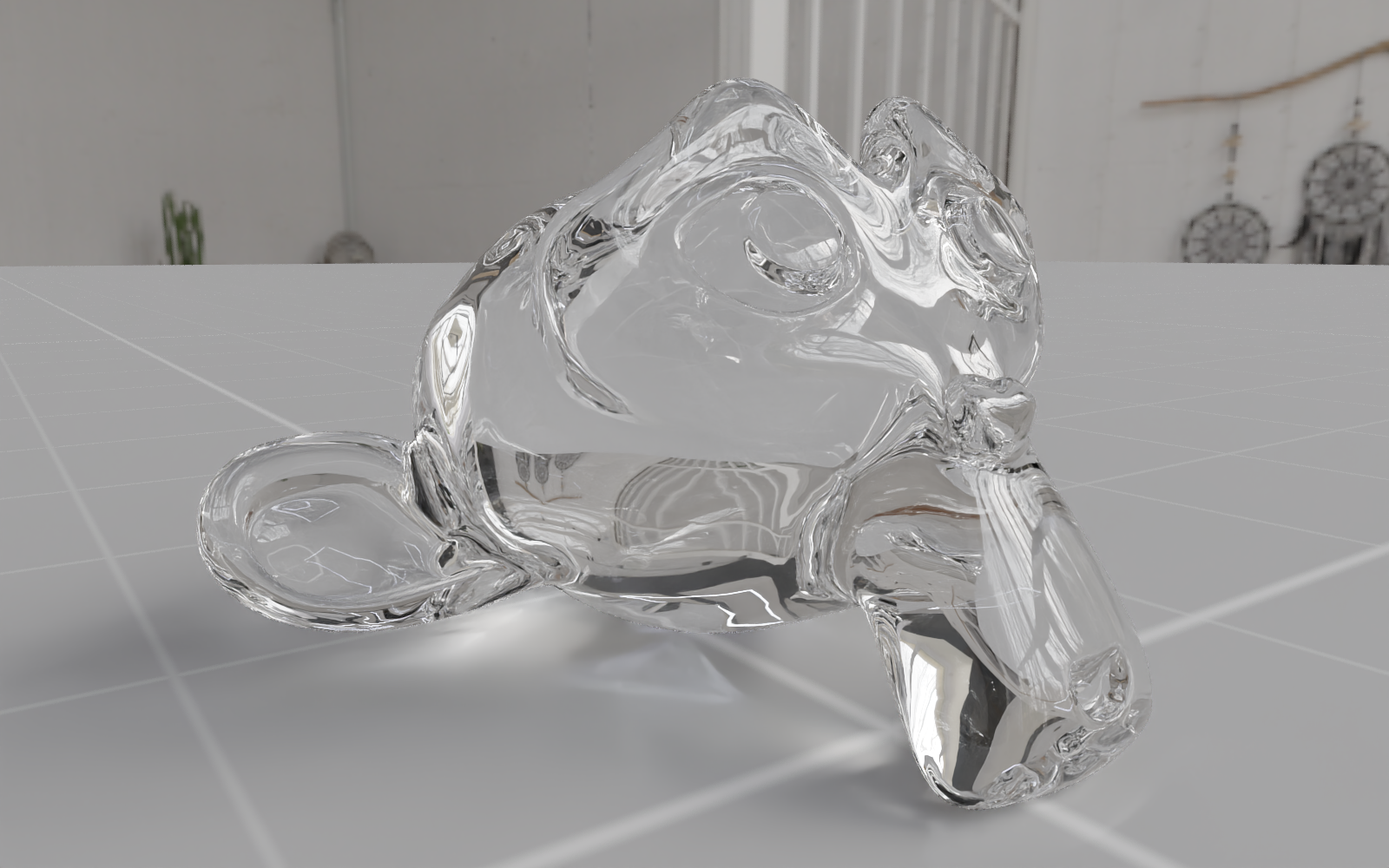
Paint light pins straight onto the lat-long environment canvas in the built-in HDR Light Studio — a KeyShot/LeoMoon-style editor with a GPU compositor and importance-sampled IBL. Or place real analytic lights in the scene with on-viewport gizmos.
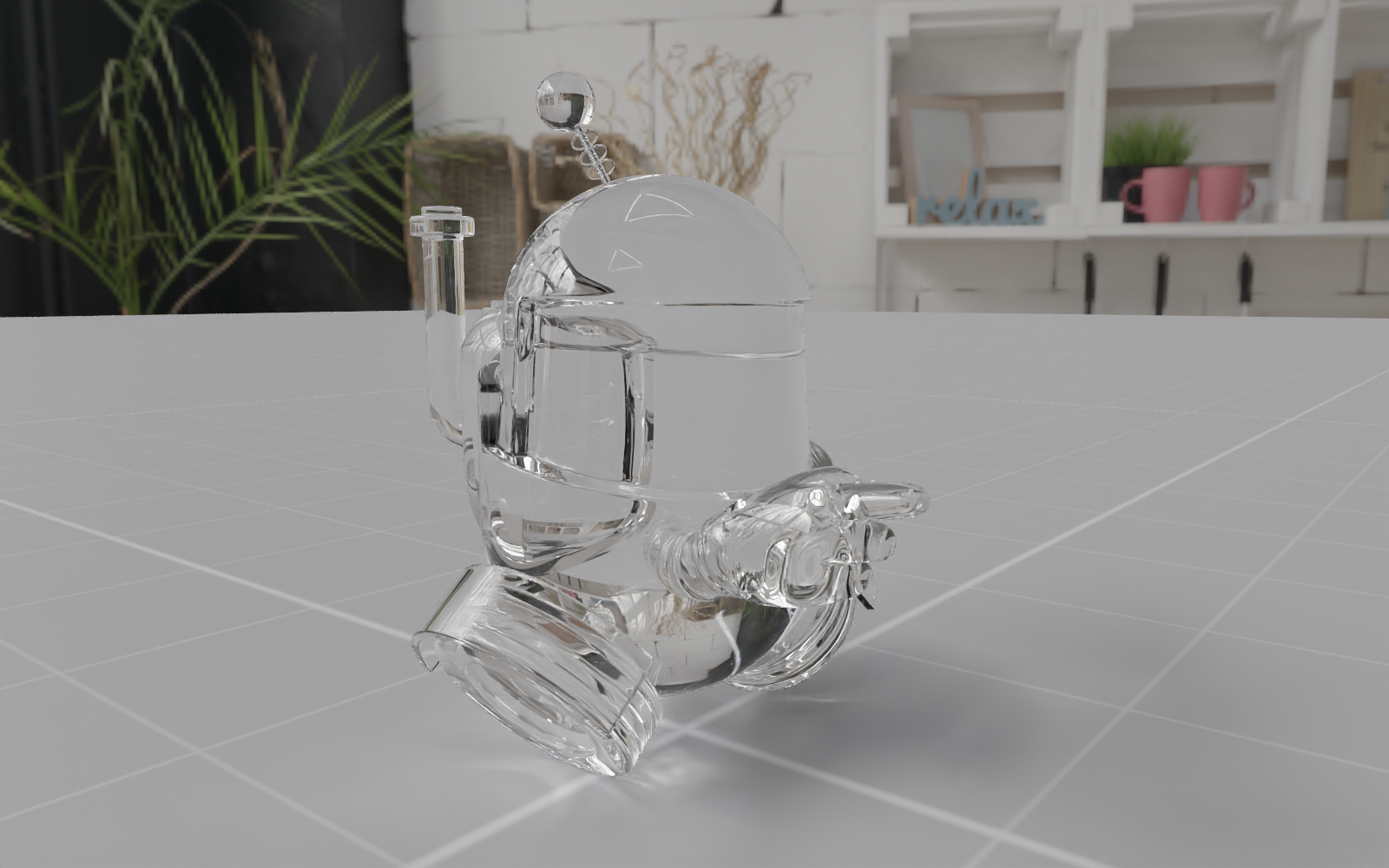
Render & export
A live denoised viewport keeps navigation instant; the F12-style render window produces the final frame offscreen at its own sample count, with progressive preview, time/ETA stats and resolution presets up to 4K and beyond.
.genie documentsAnd everything around it
A native desktop app with GPU compute kernels and hardware ray tracing — tuned for Apple Silicon on Mac and modern ray-tracing GPUs on Windows.
Orbit, pan and dolly navigation, W/E/R transform tools, an on-canvas stats HUD and a floor grid that stays sharp at any zoom.
OBJ import at true 1:1 scale with unit and Z-up options, automatic framing, and broader formats on the roadmap.
Named, reusable material datablocks shared across objects — edit once, update everywhere.
Each material gets its own shader graph with a right-click Add menu and wired texture / procedural inputs.
.genie documents embed geometry, materials, node graphs, lights, world and camera so a scene reopens exactly as you left it.
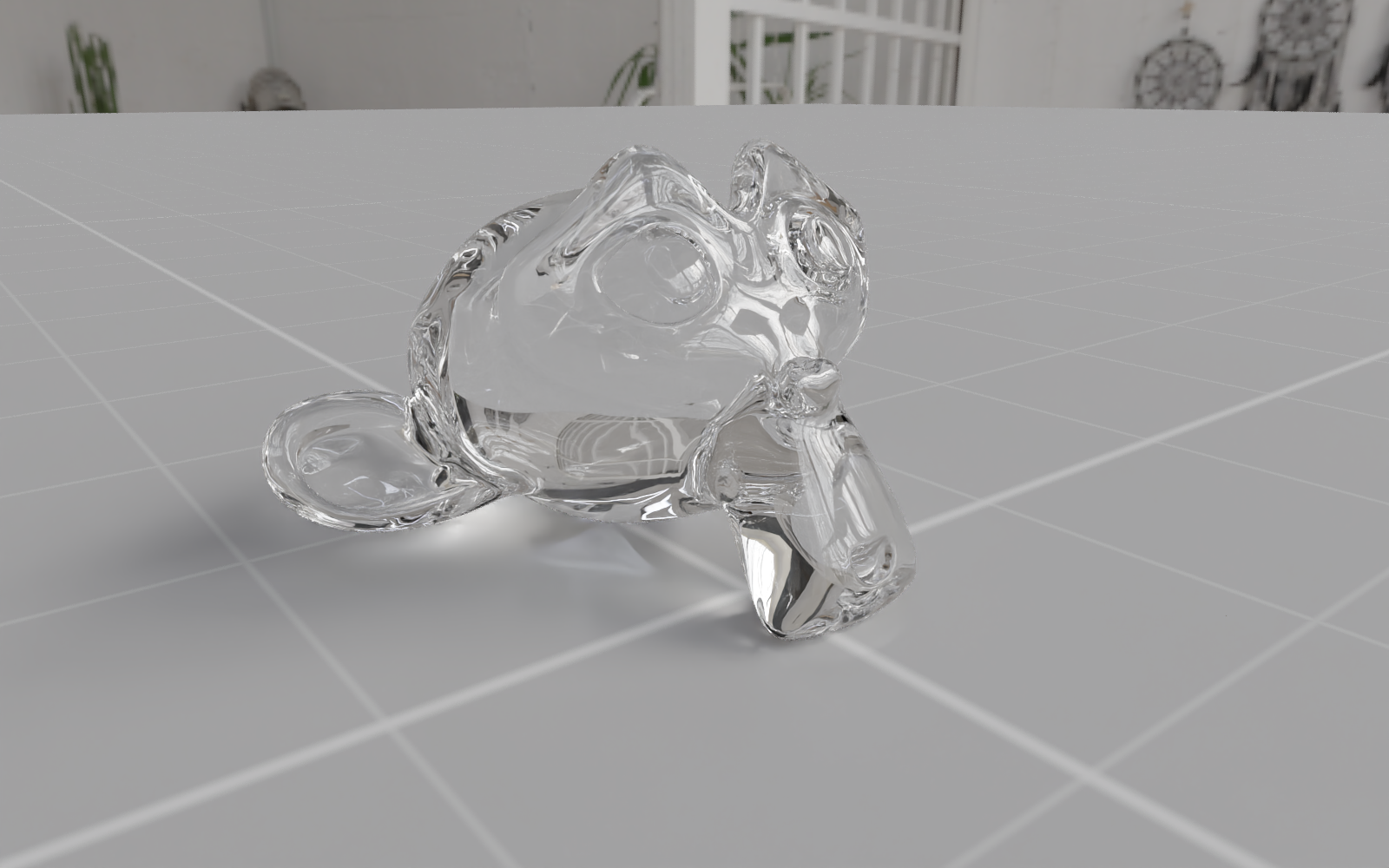
Download the beta, import a model, and hit render. The live viewport is free — start a 7-day trial whenever you're ready to export.